Terabox
TeraBox for Windows is the desktop client of Flextech's cloud storage service, used to upload, back up and download files from your PC.
157.9 MB

26.03 · Igor Pavlov · Page updated
7-Zip is a free, open-source file archiver by Igor Pavlov for packing and unpacking archives. Version 26.03 is the current Windows release.
Average 0.0 · ratings: 0
Thank you! Your rating is saved; you can change it. Could not save the rating. Please try again later. Too many ratings from your network today. Please try again tomorrow. The average appears after 5 ratings.
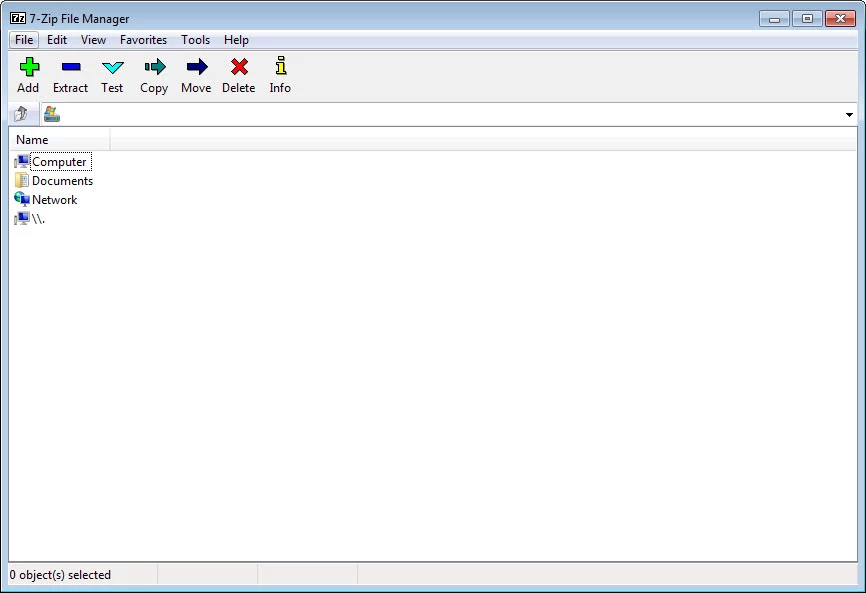
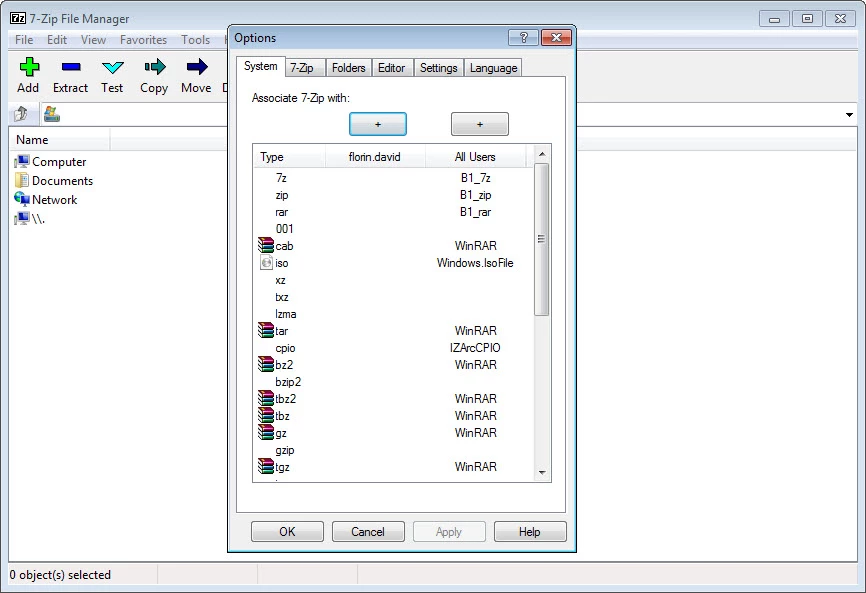
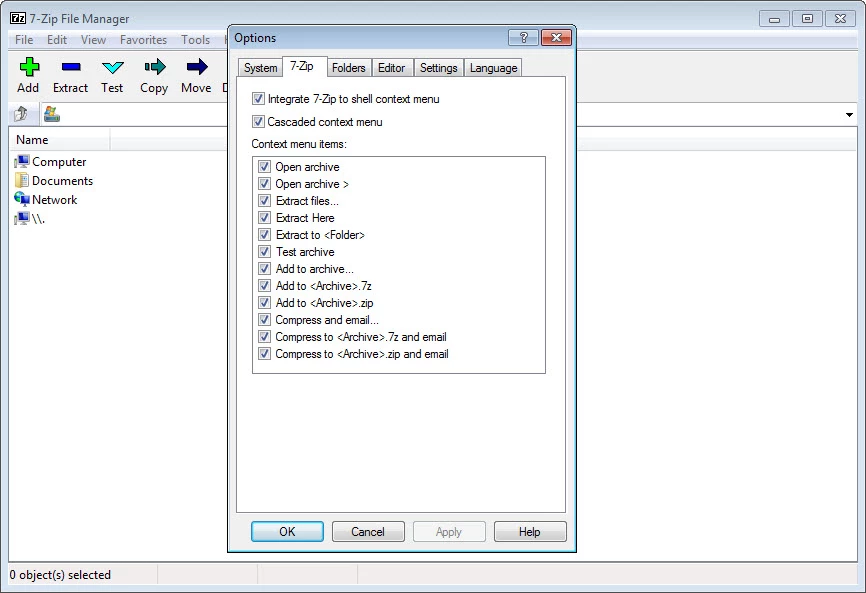
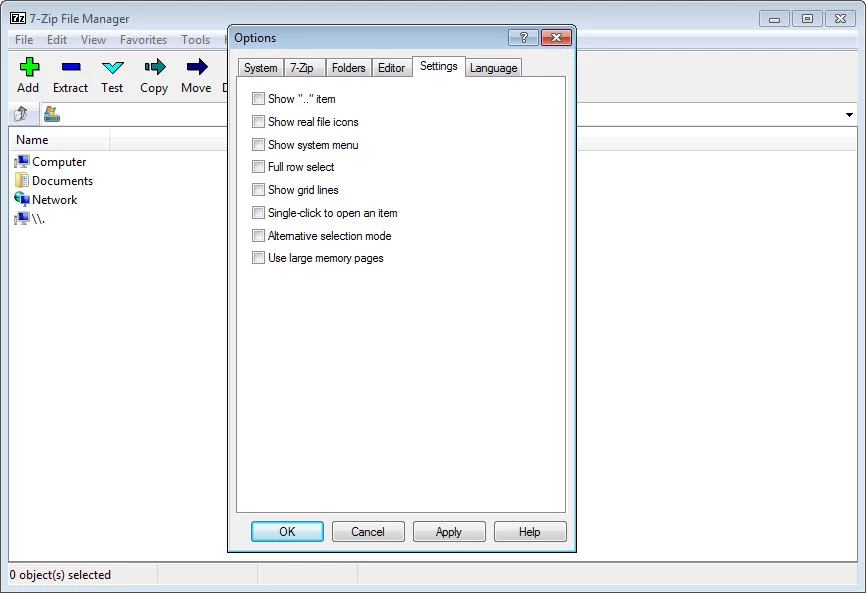
7-Zip 26.03 for Windows is the current release of the free, open-source file archiver by Igor Pavlov. Download it from 7-zip.org to pack files into archives and unpack the ones you receive; the spec sheet below sums up what you need to know.
| Parameter | Value |
|---|---|
| Program | 7-Zip |
| Version | 26.03, released 4 September 2026 |
| Developer | Igor Pavlov |
| Licence | Free, GNU LGPL |
| Written in | C++ and C |
| First release | 18 July 1999 |
| Windows | from Windows 2000 and XP up to Windows 10 and Windows 11, plus Windows Server editions |
| Download size | about 1.58 MB according to catalogue data |
7-Zip compresses files and folders into archives and extracts them again. It has its own 7z format, which usually squeezes data tighter than ZIP, and it can also create ZIP archives for people who do not have 7-Zip installed. For unpacking it understands a long list of formats, so most archives you download or receive by email open with a right-click. The program adds a menu to Windows Explorer: select files, choose Add to archive, and pick the format, compression level and an optional password. Encrypted archives protect sensitive files before you send them or store them in the cloud. The installer is tiny and the program does not nag, show ads or expire, which is why so many people keep it on every PC they use. Development is steady: 26.00 came out in February 2026, followed by 26.01, 26.02 and 26.03 by early September.
The program from 7-zip.org is safe and its source is public. Look-alike sites with similar names sometimes offer bundled installers, so type the address yourself. Archives can hide malware like any file, so scan downloads before opening what is inside, and be careful with executable files in archives from strangers.
For files you send to other people, ZIP is the safest choice because every system opens it without extra software. Keep the native format for your own backups, where tighter compression saves space. When you protect an archive with a password, also enable encryption of file names so nobody can see what is inside, and store the password somewhere other than the archive's folder.
From the same category in our listings: WinRAR, a popular archiver with its own RAR format. If you want to store backups rather than compress them, see Google Drive or MEGASync. The full list of changes is in the version history.
TeraBox for Windows is the desktop client of Flextech's cloud storage service, used to upload, back up and download files from your PC.

MEGASync is Mega Limited's desktop app that syncs folders on your PC with MEGA cloud storage. This page covers version 6.6.2.0 for Windows.

Google Drive for desktop keeps files in sync between a Windows PC and Google's cloud. Version 130.0.2.0 is free.

WinRAR is RARLAB's archive manager for Windows, handling RAR and ZIP files. Version 7.23 is available as a trial.